
GetItems: Synchronize Products
The getItems method sends back all the products referenced in the inventory. Note that the getItems response is in several parts. The number of products sent back is limited to 200 each time, so you have to do several getItems requests to receive your full inventory. Entry parameters
Results of the method
PostItems: Inventory Import
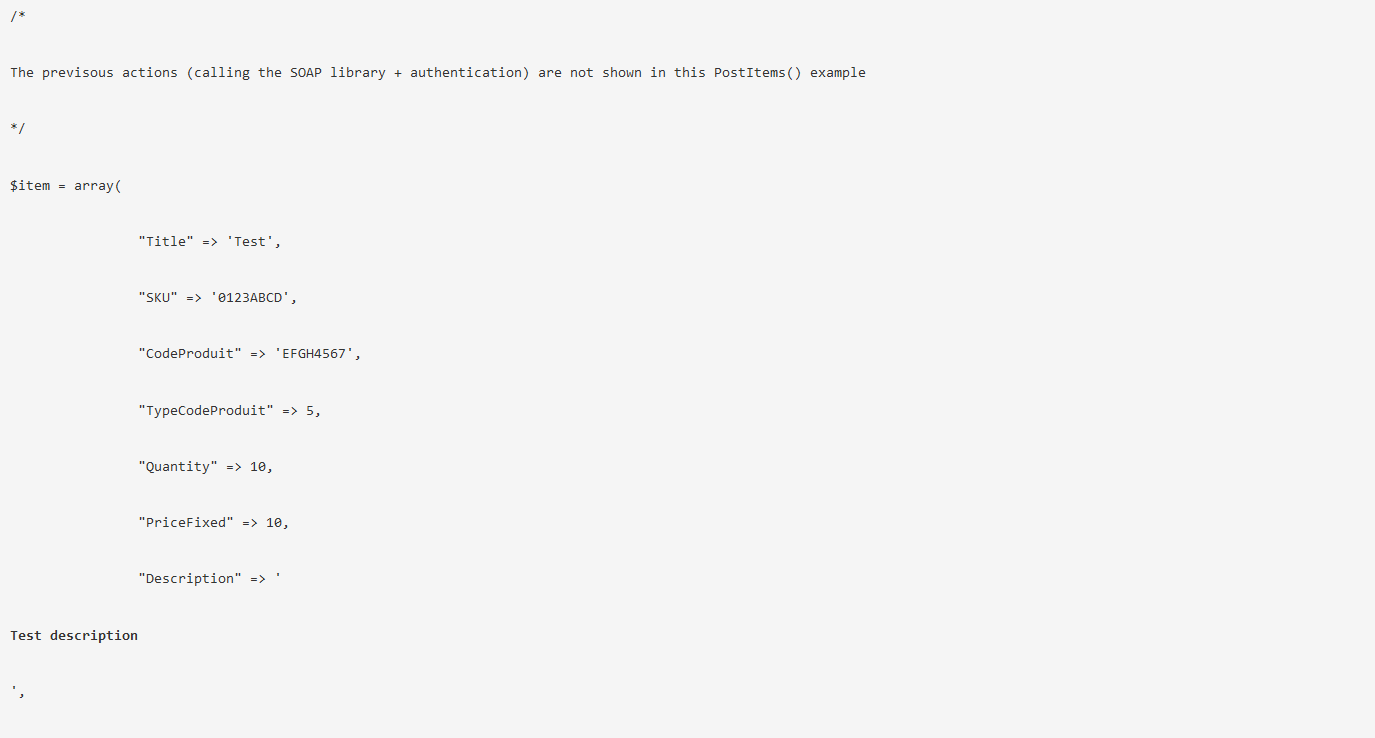
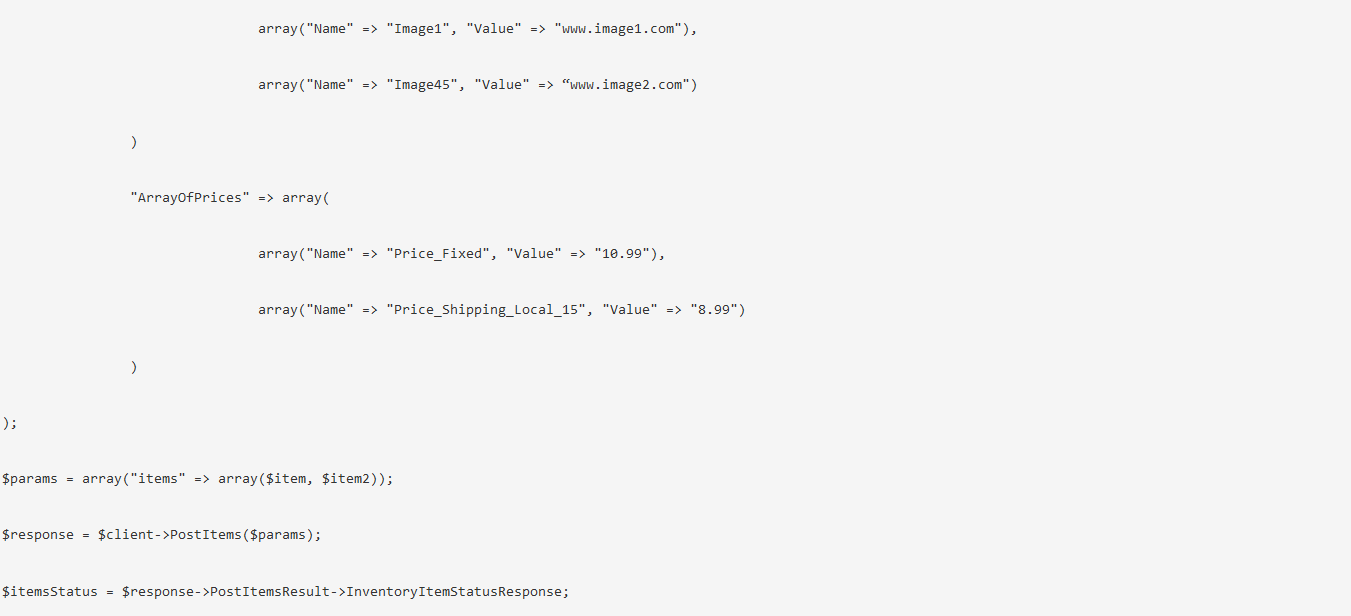
Synchronising your inventory with Neteven is done through the postItems method, which can either be used to create or to update a product. Synchronisation is based on the Stock Keeping Unit (SKU) of a product. PostItems request has to include a list of items elements that conform with the InventoryItem type described in the WSDL. The number of fields characterising an InventoryItem element type allow you to make a very detailed indexation of your products. Please note that apart from the SKU no field is mandatory to send a request, therefore you can regularly send simple updates such as SKU and quantity. Some information can be sent in several languages:- Title
- Subtitle
- Description
- Remark (Commentaire)
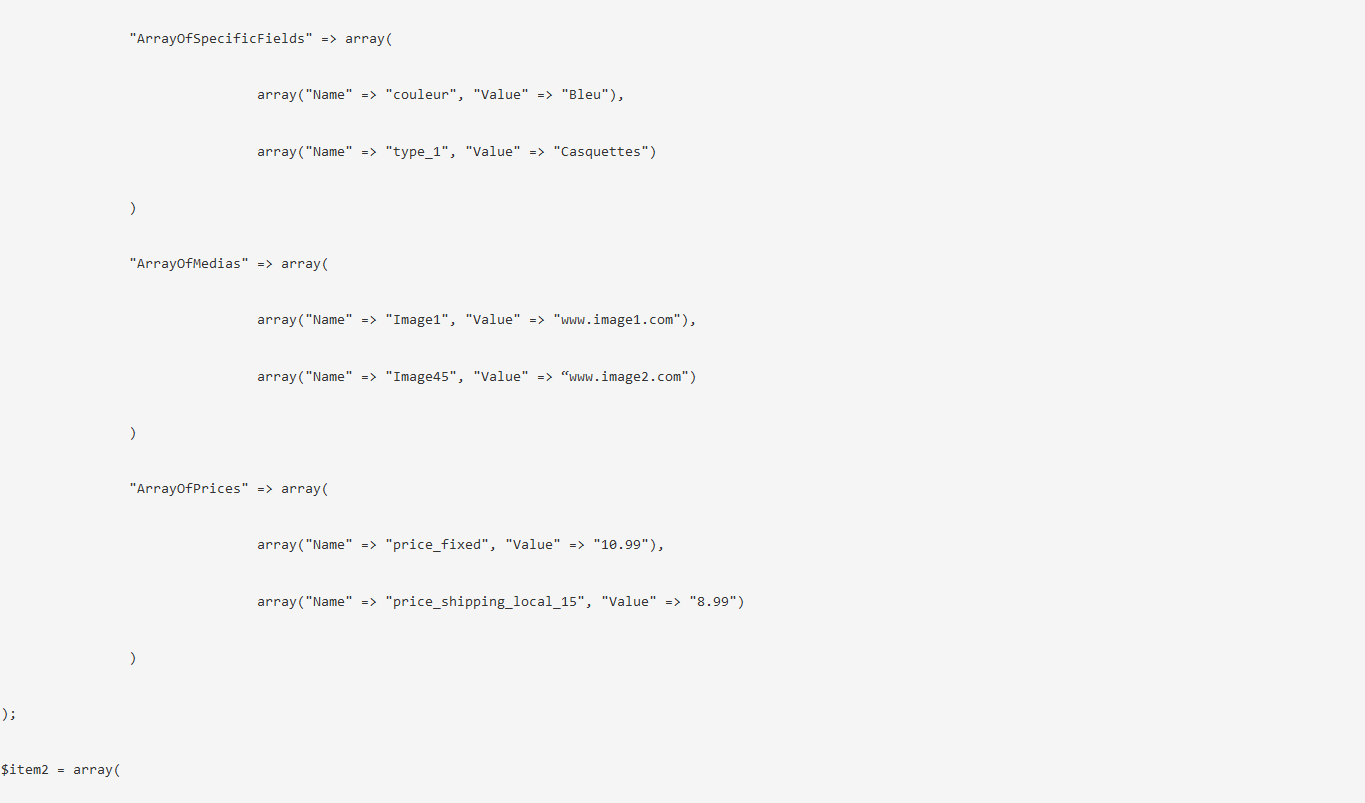
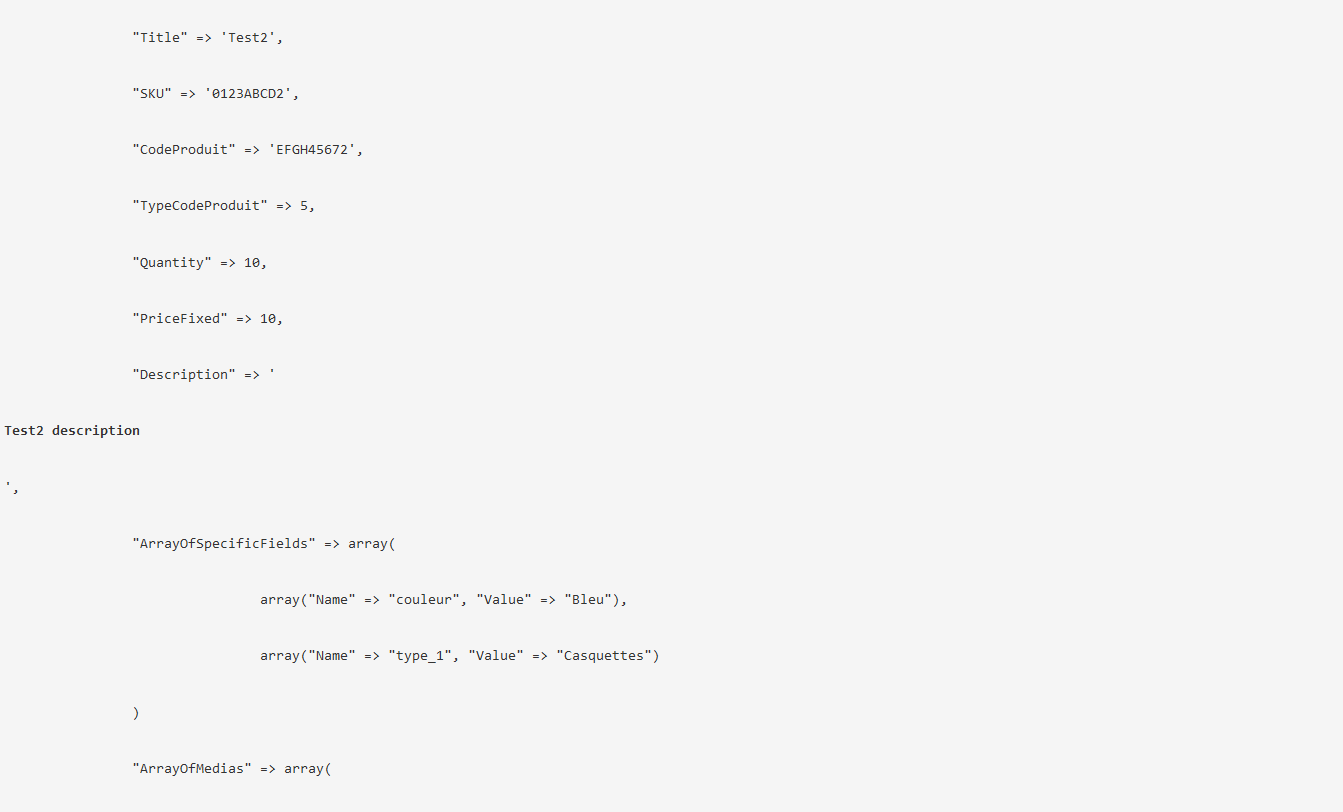
- Specific fields (Champs spécifiques)
- Prix Fixe (Fixed price)
- Prix de depart (Starting price)
- Prix de reserve (Reserve price)
- (image1 ~ image50)
- price_fixed
- price_starting
- price_reserved
- price_retail
- price_second_chance
- price_best_offer
- price_additional_1 ~ price_additional_250
- price_shipping_local_1 ~ price_shipping_local_20
- price_shipping_int_1 ~ price_shipping_int_20
- price_shipping_supp_local_1 ~ price_shipping_supp_local_20
- price_shipping_supp_int_1 ~ price_shipping_supp_int_20
Description of InventoryItem type data
Results of the method
Extract of a PHP5 script: Execution of a postItems request or the creation of two products with specific fields